
Your Outdated Website Is Costing You More Than You Think
That 'perfectly fine' website from 2019 is silently hemorrhaging conversions, SEO rankings, and developer productivity. Here's the real cost of technical debt.
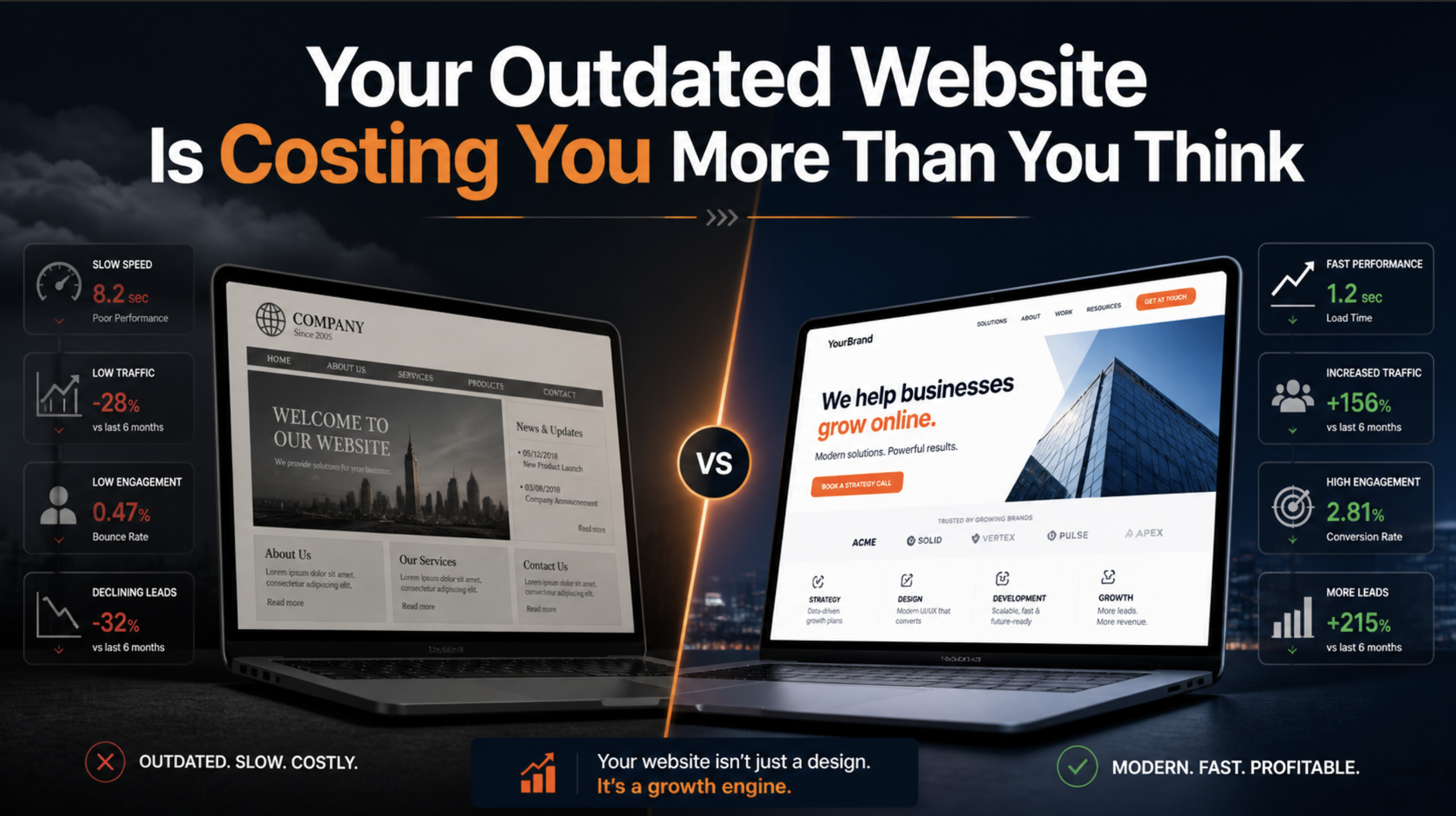
The Hidden Tax on Stale Code
Last month, we audited a SaaS company's marketing site. It was built in 2019, looked decent, and "worked fine." Their words, not ours.
Then we ran the numbers:
- 47% of mobile users bounced before the page fully loaded
- Core Web Vitals scores put them on page 3 of Google results
- Their dev team spent 12 hours/week fighting deprecated dependencies
- A single content update required a developer—their marketing team couldn't touch it
The site wasn't broken. It was bleeding them dry.
What "Outdated" Actually Means in 2024
Let's be specific. An outdated website isn't just one with old design trends. It's one running on:
Legacy Frameworks and Build Tools
If your site still uses Create React App, Webpack 4, or—we've seen it—jQuery with a sprinkle of React, you're fighting the tooling instead of shipping features.
Modern build tools like Vite and frameworks like Next.js 14 aren't just faster to develop with. They produce fundamentally better output:
// Old approach: Ship everything, let the browser figure it out
import { entireLodashLibrary } from 'lodash';

// Modern approach: Ship only what you use
import { debounce } from 'lodash-es';
The difference? Often 200-500KB of JavaScript your users don't need to download.
Pre-Core Web Vitals Architecture
Google's Core Web Vitals became a ranking factor in 2021. Sites built before this shift typically weren't optimized for:
- LCP (Largest Contentful Paint): How fast your main content appears
- FID/INP (Interaction to Next Paint): How responsive your site feels
- CLS (Cumulative Layout Shift): Whether your page jumps around during load
These aren't vanity metrics. They directly correlate with conversion rates. Amazon famously found that every 100ms of latency cost them 1% in sales.
Static Content in a Dynamic World
Older sites often bake content directly into the codebase. Every blog post, every testimonial, every pricing change requires a developer to:
- Make the change in code
- Test locally
- Push to staging
- Get approval
- Deploy to production
Modern architectures with headless CMS solutions like Sanity, Contentful, or even Notion as a CMS let marketing teams move at marketing speed.
The Real Cost Breakdown
Let's talk numbers that matter to your business:
Developer Time
A 2019-era React site with outdated dependencies requires constant maintenance:
| Task | Hours/Month |
|---|---|
| Dependency updates & conflict resolution | 8-12 |
| Working around deprecated APIs | 4-8 |
| Build pipeline troubleshooting | 2-4 |
| Security vulnerability patches | 2-6 |
That's potentially 30 hours/month of engineering time spent treading water—not building features.
SEO and Organic Traffic
Google's algorithm updates increasingly favor fast, accessible, mobile-first sites. We've seen clients lose 30-50% of their organic traffic over 18 months simply because competitors modernized and they didn't.
The math is brutal: if organic traffic drives $50K/month in pipeline and you lose 40% of it, that's $240K/year in lost opportunities.
Conversion Rate Decay
User expectations evolve. What felt snappy in 2019 feels sluggish now. Studies consistently show:
- 53% of mobile users abandon sites that take longer than 3 seconds to load
- A 1-second delay in page response can result in a 7% reduction in conversions
If you're running any paid acquisition, slow pages are literally burning ad spend.
What a Modern Stack Looks Like
Here's what we typically recommend for businesses in 2024:
┌─────────────────────────────────────┐
│  Framework: Next.js 14 (App Router) │
├─────────────────────────────────────┤
│  Styling: Tailwind CSS              │
├─────────────────────────────────────┤
│  CMS: Sanity / Contentful / Payload │
├─────────────────────────────────────┤
│  Hosting: Vercel / Cloudflare       │
├─────────────────────────────────────┤
│  Analytics: PostHog / Plausible     │
└─────────────────────────────────────┘
Why This Stack Wins
Next.js 14 with the App Router gives you:
- Server Components that ship zero JavaScript by default
- Built-in image optimization
- Automatic code splitting
- Edge-ready deployment
Tailwind CSS means:
- No more fighting CSS specificity wars
- Consistent design tokens across your site
- Tiny production bundles (often under 10KB)
Headless CMS provides:
- Marketing team autonomy
- Structured content that works across web, mobile, and email
- Version history and collaboration features
Modern hosting delivers:
- Global CDN distribution
- Automatic HTTPS
- Preview deployments for every PR
- Zero-config scaling
The Migration Question
The objection we hear most: "We can't afford to rebuild right now."
Here's the thing—you're already paying for it. The question is whether you pay in ongoing inefficiency or a one-time investment.
For most marketing sites and smaller applications, a complete modernization takes 4-8 weeks. The ROI calculation usually looks like this:
Investment: $30-60K for a full rebuild
Returns:
- Recovered developer time: $3-5K/month
- Improved conversion rates: 10-30% lift
- SEO recovery: 3-6 months to see organic traffic improvements
- Reduced hosting costs: Modern edge platforms often cost less
Most clients break even within 6-9 months.
Start With an Audit
Not sure where your site stands? Run these free checks:
- PageSpeed Insights: Get your Core Web Vitals scores
- Bundlephobia: Check the weight of your dependencies
- Chrome DevTools Coverage Tab: See how much JavaScript you ship but never execute
If your Lighthouse performance score is below 80, your CLS is above 0.1, or you're shipping more than 200KB of JavaScript for a marketing page—it's time to modernize.
The Bottom Line
Your website isn't a one-time project. It's infrastructure. And like all infrastructure, it requires maintenance and periodic upgrades.
The companies winning online right now aren't the ones with the fanciest designs. They're the ones with fast, accessible, maintainable sites that let their teams move quickly.
If your site was built before 2022 and hasn't had a major architectural update, you're likely leaving money on the table. The question isn't whether to modernize—it's how much longer you can afford not to.